23 October 2025

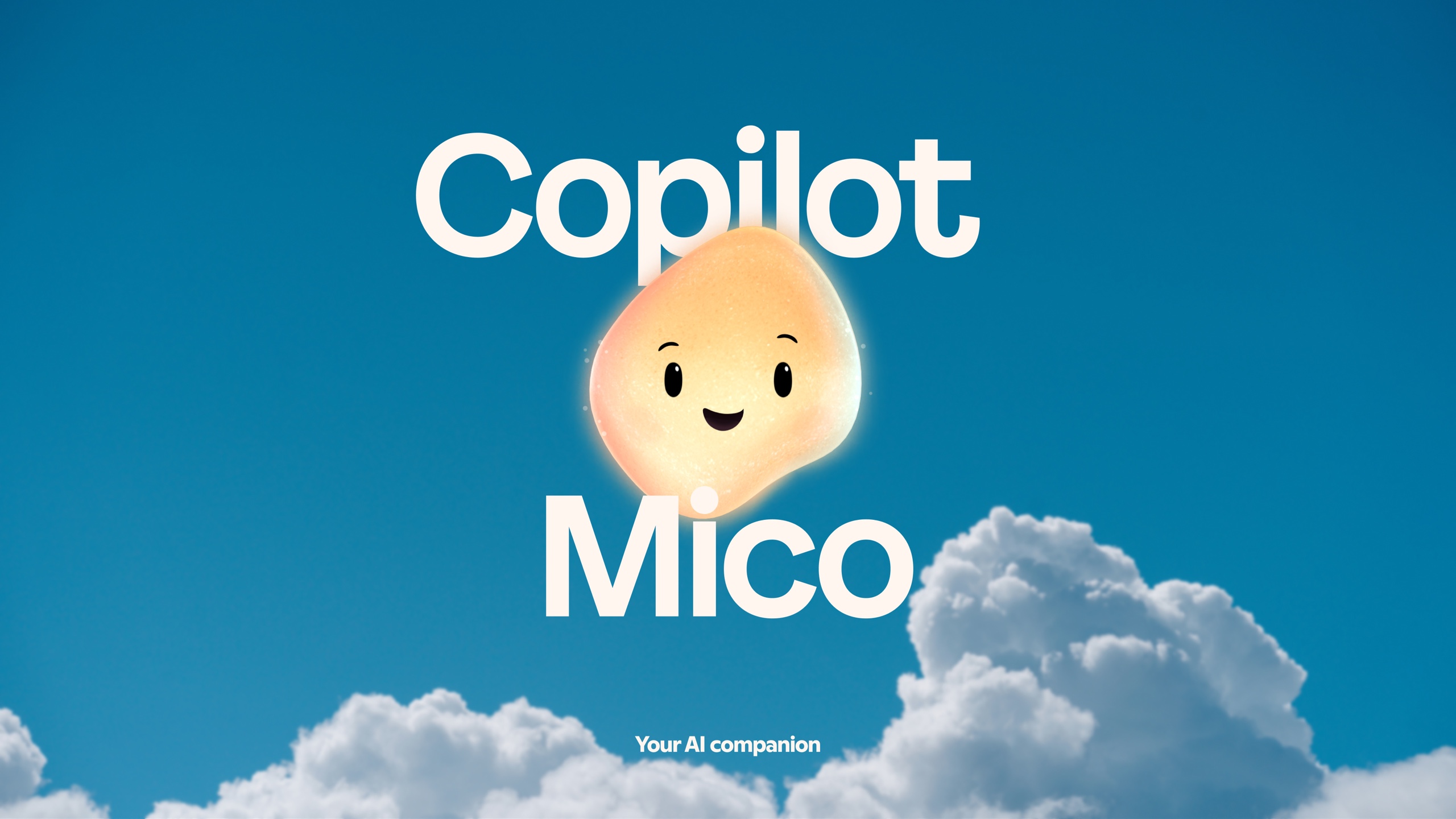
“Mico” literally tries to put a face on Microsoft’s chatbot-turned-assistant.
Microsoft said earlier this month that it wanted to add better voice controls to Copilot, Windows 11’s built-in chatbot-slash-virtual assistant. As described, this new version of Copilot sounds an awful lot like another stab at Cortana, the voice assistant that Microsoft tried (and failed) to get people to use in Windows 10 in the mid-to-late 2010s.
Turns out that the company isn’t done trying to reformulate and revive ideas it has already tried before. As part of a push toward what it calls “human-centered AI,” Microsoft is now putting a face on Copilot. Literally, a face: “Mico” is an “expressive, customizable, and warm” blob with a face that dynamically “listens, reacts, and even changes colors to reflect your interactions” as you interact with Copilot. (Another important adjective for Mico: “optional.”)
Mico (rhymes with “pico”) recalls old digital assistants like Clippy, Microsoft Bob, and Rover, ideas that Microsoft tried in the ’90s and early 2000s before mostly abandoning them.
Microsoft clearly thinks that backing these ideas with language and/or reasoning models will help Copilot succeed where both Cortana and Clippy failed. Part of the reason these assistants were viewed as annoying rather than helpful is that they could respond to a finite number of possible inputs or situations, and they didn’t even help in those situations most of the time because they could only respond to a small number of context clues. I don’t have hard evidence for this, but I’d bet that the experience of dismissing Clippy’s “It looks like you’re writing a letter!” prompts is near-universal among PC users of a certain age.

Boost engagement with PiggyBank Money Clicker - a browser idle game where every click yields virtual cash, driving session length and repeat visits.
View Product
Rediscover the classic pointer - Mouse Cursor redefines simplicity with a selection of minimalist, high-contrast cursors optimized for every task.
View Product
Stand out with Custom Cursor Trail - a Chrome extension that traces your pointer in vivid effects to captivate visitors and boost brand recall.
View Product
Transform your browser into a cosmic playground - Cursor Space introduces galaxy-inspired pointers that add immersive flair without sacrificing speed or usability.
View Product
Drive repeat sessions with Catch the Cat - a fast-paced browser game that tests reflexes and strategic thinking in bite-sized play periods.
View Product
Leave a lasting impression - Cursor Trail paints your path in luminous strokes, marrying dynamic motion with elegant design for every movement.
View Product
Increase dwell time with Pawsome Kitties - animated kitten avatars that follow your pointer, enhancing site stickiness and user delight.
View Product
Discover a versatile cursor toolkit - Custom Cursor App delivers an expansive library of high-resolution pointers that blend flawless aesthetics with lightning-fast performance.
View Product
Engage millions in addictive baking fun - Cookie Clicker ramps up user retention with layered upgrades and strategic progression in an idle format.
View Product
Capture attention with Money Rain - a Chrome extension that showers your screen in dynamic money graphics, perfect for viral sharing and brand visibility.
View Product
Extend session lengths with BridgeMaster - a physics-driven arcade game where precision and timing unlock new levels of user engagement.
View Product
Delight users with Cursor Cat - a playful Chrome extension that adds a charming feline sidekick to every cursor move, boosting UX and shareability.
View Product
Enrich each click with graceful motion - Cursor Trails offers a refined collection of animated effects to elevate both style and usability.
View Product
Elevate your Chrome experience with Custom Cursor Pro: a premium suite of handcrafted cursors engineered for performance, style, and seamless integration.
View Product
Revitalize a classic with Minesweeper for Chrome - an engaging logic puzzle that enhances site interaction and encourages multiple playthroughs.
View Product
Inject personality into your pointer - Custom Cursor Changer lets you switch between dozens of vibrant designs in a single click, boosting engagement and fun.
View Product
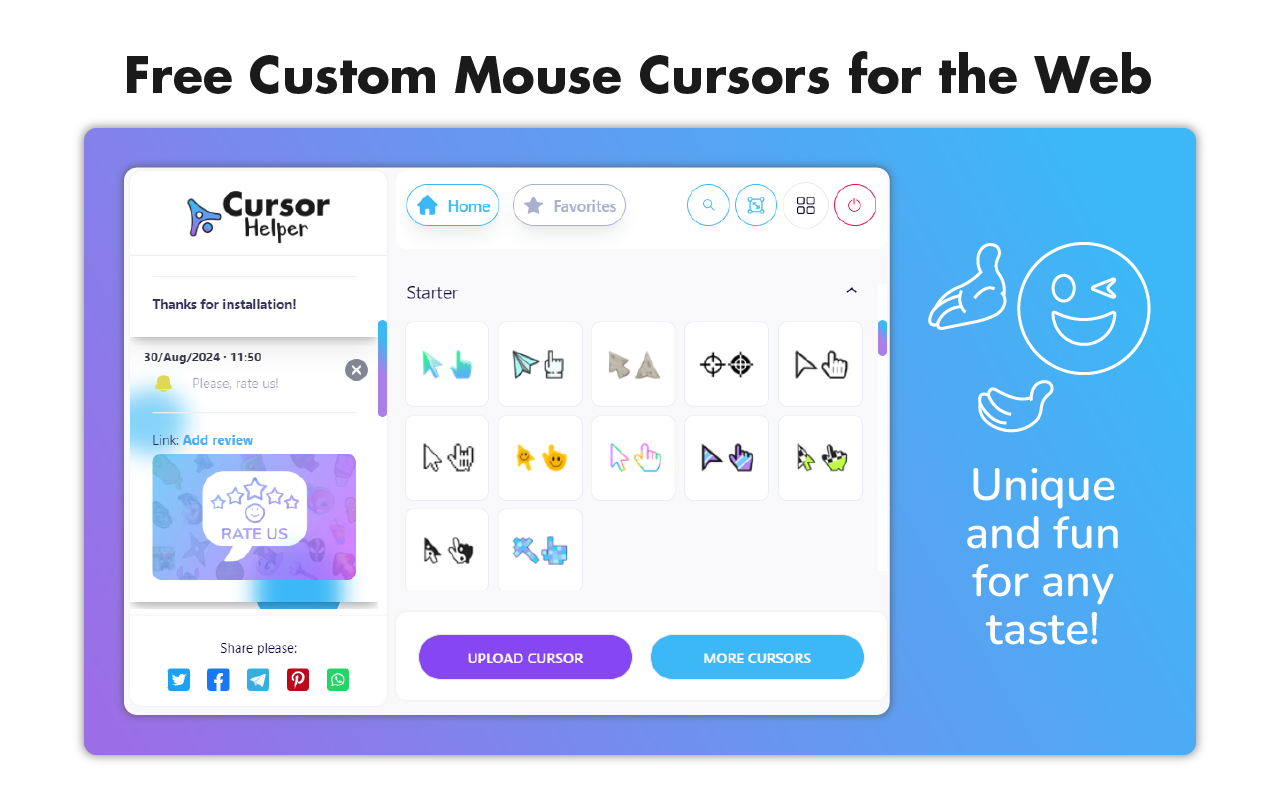
Maximize productivity with Cursor Helper: a refined extension that not only customizes your pointer’s look but streamlines your daily workflow with intuitive options.
View Product
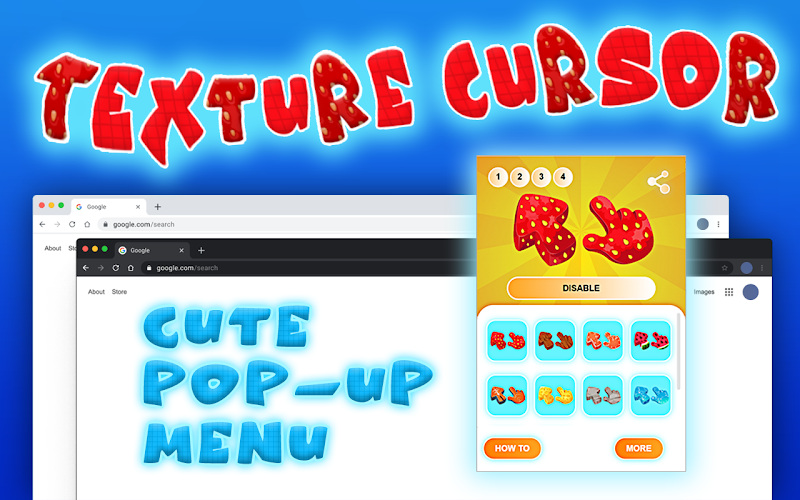
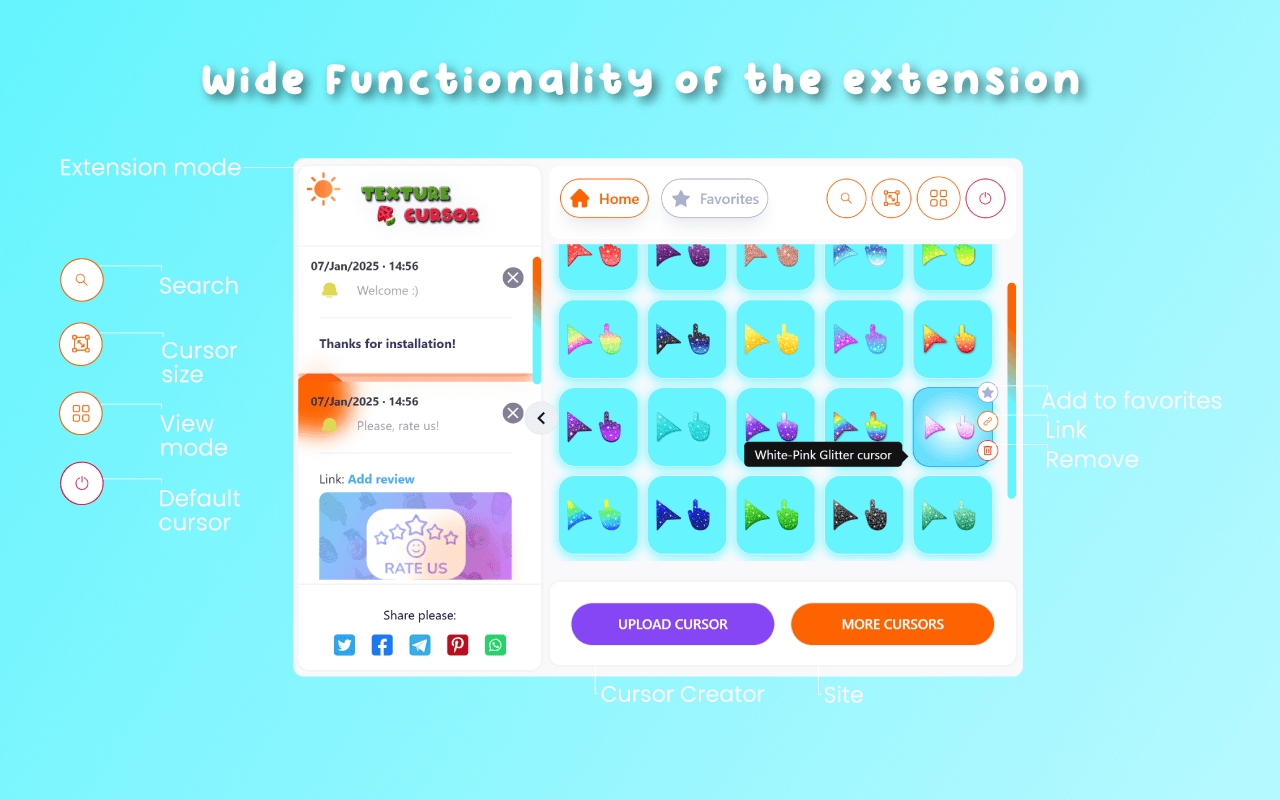
Experience tactile depth in the digital realm - Texture Cursors offers a curated set of lifelike pointer textures, elevating both clarity and creativity.
View Product