1 August 2025

Frantic positional resource management is engrossing without becoming overwhelming.
As satisfying as a successful real-time strategy game campaign can be, dealing with a complex RTS map can often be overwhelming. Keeping track of multiple far-flung resource-production bases, groups of units, upgrade trees, and surprise encounters with the enemy requires a level of attention-splitting that can strain even the best multitaskers.
Then there's The King Is Watching, which condenses the standard real-time strategy production loop into an easy-to-understand single-screen interface, complete with automatic battles. The game's unique resource management system—combined with well-designed, self-balancing difficulty and randomized upgrades that keep each run fresh—makes The King Is Watching one of the most enjoyable pick-up-and-play strategy titles I've encountered in a long time.
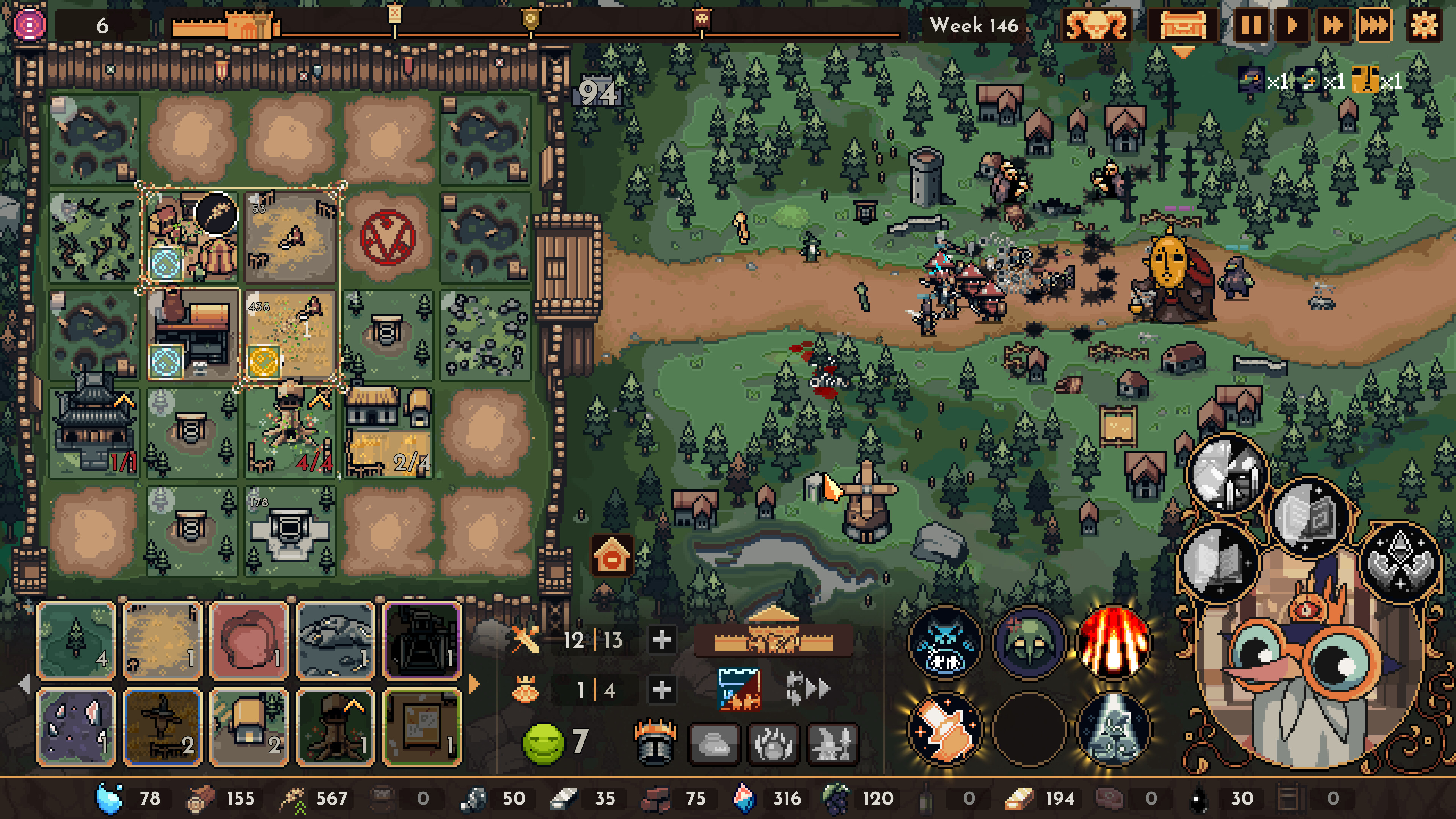
The bulk of the action in The King Is Watching takes place on a small, 5x5 grid of squares representing your castle. That's where you'll place blueprint tiles from your hand that then start producing the basic and refined resources necessary to place even more blueprints. Those resources also power the factories that crank out defensive units that automatically fight to protect your castle from periodic waves of enemies (in adorable pixelated animations that take place on a battlefield to the right of your castle).
Sounds simple enough. But the entire castle can't be actively productive at once. Instead, only a few contiguous tiles within the area of the "king's gaze" can make resources and/or units at any one time.
That means you have to constantly and actively drag and rotate your "gaze" around your castle, prioritizing the resources and units you need immediately and leaving others that can wait for the king's attention. You have to be careful with the relative positioning of your blueprints so that units and resources that complement each other can be produced in the same "gaze" without a lot of unproductive downtime (say, when you've hit your unit limit) or resource droughts.

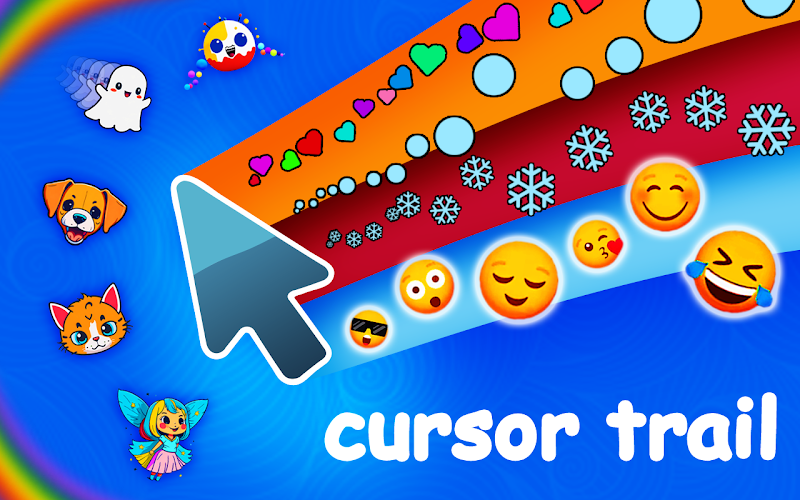
Leave a lasting impression - Cursor Trail paints your path in luminous strokes, marrying dynamic motion with elegant design for every movement.
View Product
Elevate your Chrome experience with Custom Cursor Pro: a premium suite of handcrafted cursors engineered for performance, style, and seamless integration.
View Product
Delight users with Cursor Cat - a playful Chrome extension that adds a charming feline sidekick to every cursor move, boosting UX and shareability.
View Product
Boost engagement with PiggyBank Money Clicker - a browser idle game where every click yields virtual cash, driving session length and repeat visits.
View Product
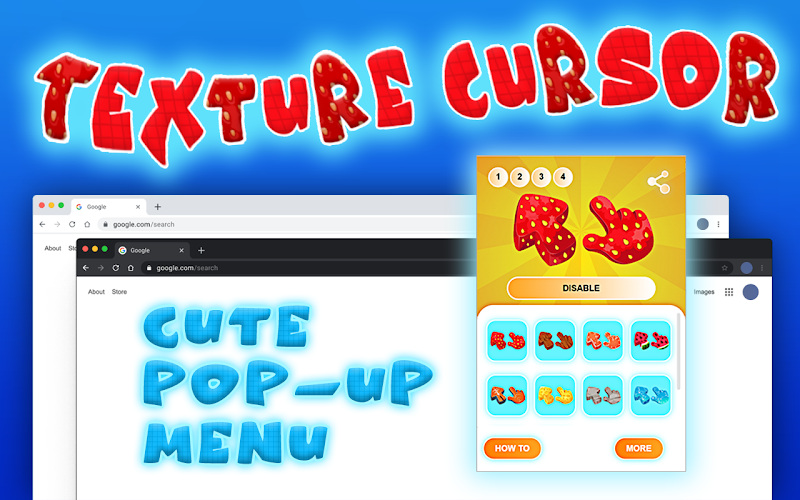
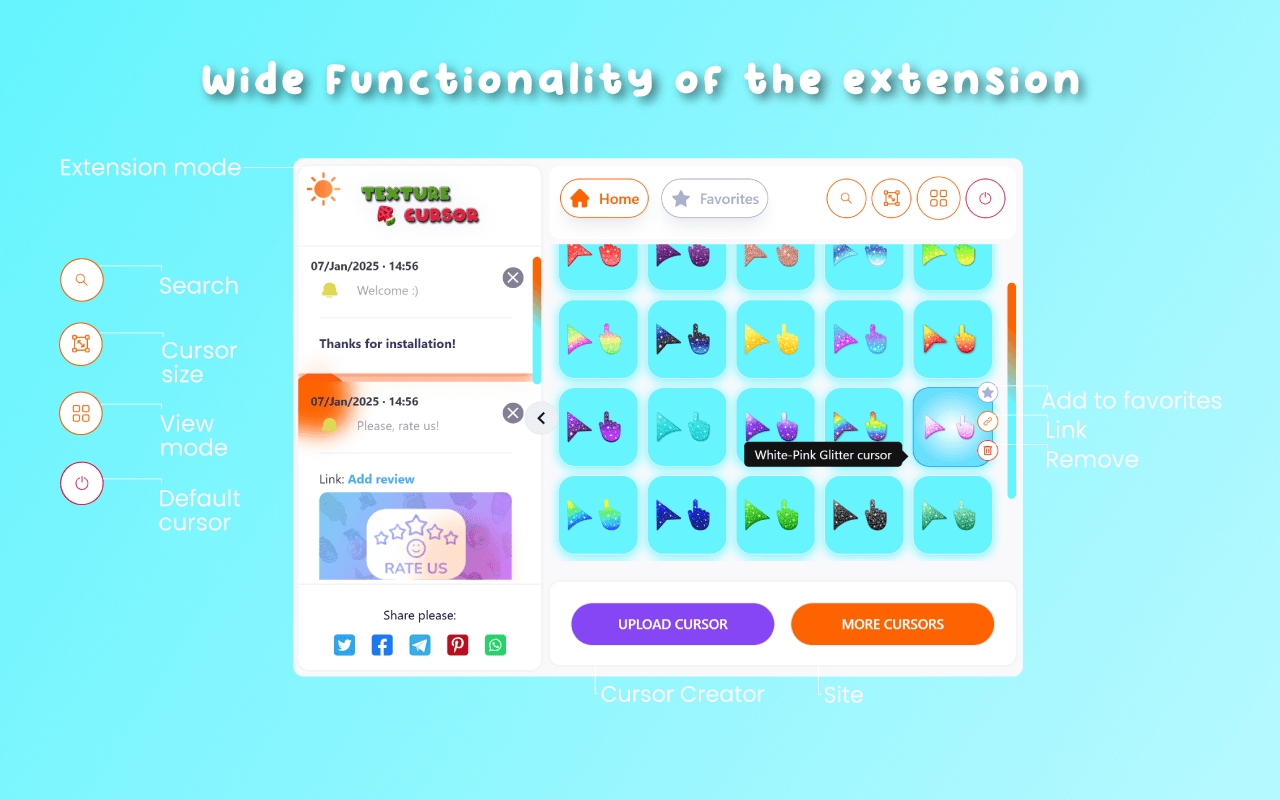
Experience tactile depth in the digital realm - Texture Cursors offers a curated set of lifelike pointer textures, elevating both clarity and creativity.
View Product
Increase dwell time with Pawsome Kitties - animated kitten avatars that follow your pointer, enhancing site stickiness and user delight.
View Product
Stand out with Custom Cursor Trail - a Chrome extension that traces your pointer in vivid effects to captivate visitors and boost brand recall.
View Product
Discover a versatile cursor toolkit - Custom Cursor App delivers an expansive library of high-resolution pointers that blend flawless aesthetics with lightning-fast performance.
View Product
Drive repeat sessions with Catch the Cat - a fast-paced browser game that tests reflexes and strategic thinking in bite-sized play periods.
View Product
Engage millions in addictive baking fun - Cookie Clicker ramps up user retention with layered upgrades and strategic progression in an idle format.
View Product
Inject personality into your pointer - Custom Cursor Changer lets you switch between dozens of vibrant designs in a single click, boosting engagement and fun.
View Product
Rediscover the classic pointer - Mouse Cursor redefines simplicity with a selection of minimalist, high-contrast cursors optimized for every task.
View Product
Revitalize a classic with Minesweeper for Chrome - an engaging logic puzzle that enhances site interaction and encourages multiple playthroughs.
View Product
Extend session lengths with BridgeMaster - a physics-driven arcade game where precision and timing unlock new levels of user engagement.
View Product
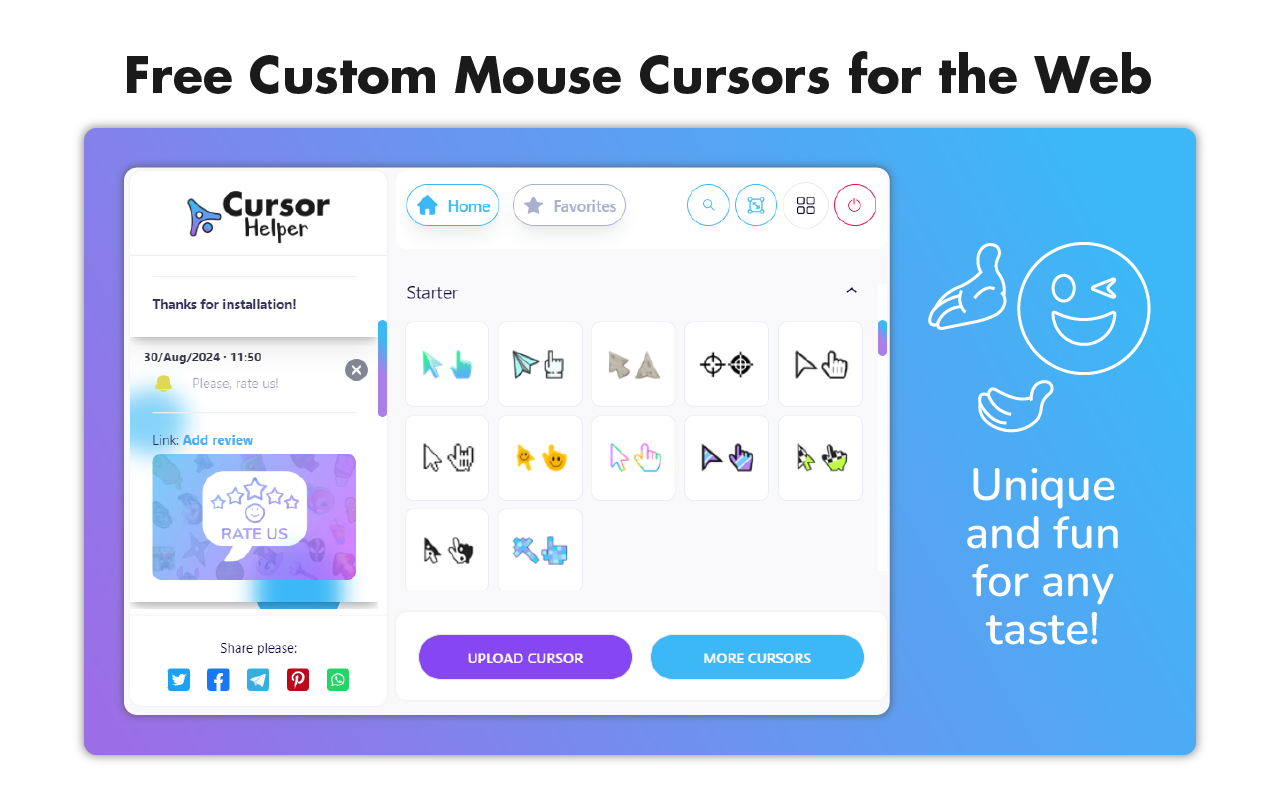
Maximize productivity with Cursor Helper: a refined extension that not only customizes your pointer’s look but streamlines your daily workflow with intuitive options.
View Product
Enrich each click with graceful motion - Cursor Trails offers a refined collection of animated effects to elevate both style and usability.
View Product
Capture attention with Money Rain - a Chrome extension that showers your screen in dynamic money graphics, perfect for viral sharing and brand visibility.
View Product
Transform your browser into a cosmic playground - Cursor Space introduces galaxy-inspired pointers that add immersive flair without sacrificing speed or usability.
View Product