11 November 2025

In 1982, a young Mac developer turned Jobs into a UI designer—and accidentally invented a new technique.
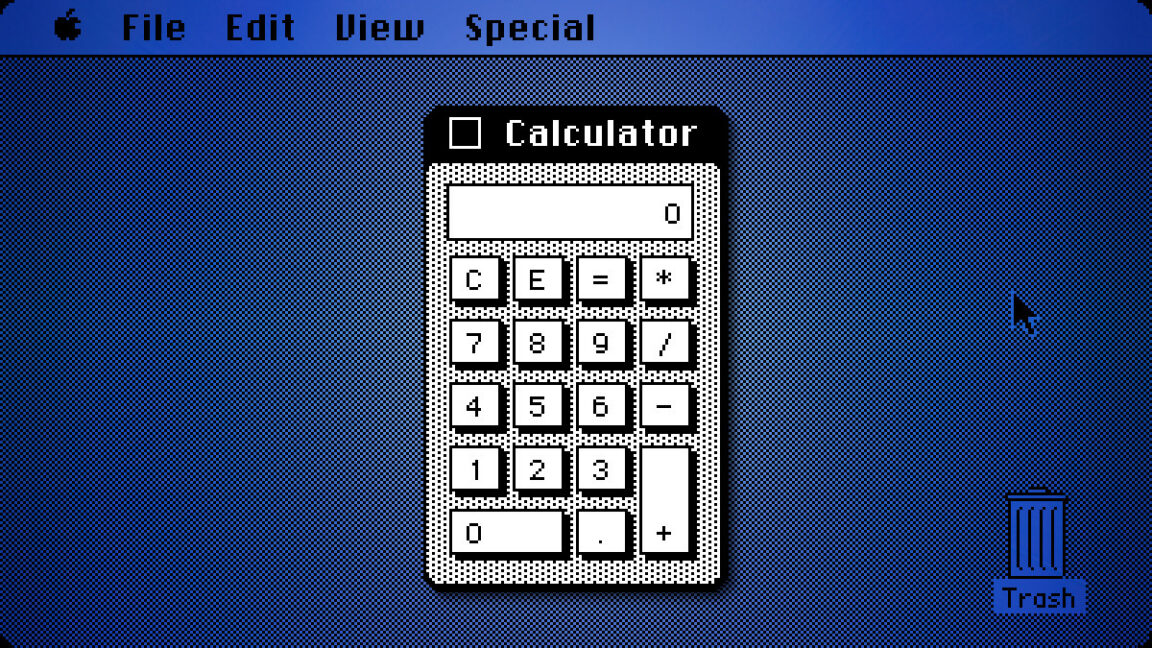
In February 1982, Apple employee #8 Chris Espinosa faced a problem that would feel familiar to anyone who has ever had a micromanaging boss: Steve Jobs wouldn’t stop critiquing his calculator design for the Mac. After days of revision cycles, the 21-year-old programmer found an elegant solution: He built what he called the “Steve Jobs Roll Your Own Calculator Construction Set” and let Jobs design it himself.
This delightful true story comes from Andy Hertzfeld’s Folklore.org, a legendary tech history site that chronicles the development of the original Macintosh, which was released in January 1984. I ran across the story again recently and thought it was worth sharing as a fun anecdote in an age where influential software designs often come by committee.
Chris Espinosa started working for Apple at age 14 in 1976 as the company’s youngest employee. By 1981, while studying at UC Berkeley, Jobs convinced Espinosa to drop out and work on the Mac team full time.
Believe it or not, Chris Espinosa still works at Apple as its longest-serving employee. But back in the day, as manager of documentation for the Macintosh, Espinosa decided to write a demo program using Bill Atkinson’s QuickDraw, the Mac’s graphics system, to better understand how it worked. He chose to create a calculator as one of the planned “desk ornaments,” which were small utility programs that would ship with the Mac. They later came to be called “desk accessories.”
Espinosa thought his initial calculator design looked good, but Jobs had other ideas when he saw it. Hertzfeld describes the scene: “Well, it’s a start,” Steve said, “but basically, it stinks. The background color is too dark, some lines are the wrong thickness, and the buttons are too big.”
For several days, Espinosa would incorporate Jobs’s suggestions from the previous day, only to have Jobs find new faults with each iteration. It might have felt like a classic case of “design by committee,” but in this case, the committee was just one very particular person who seemed impossible to satisfy.

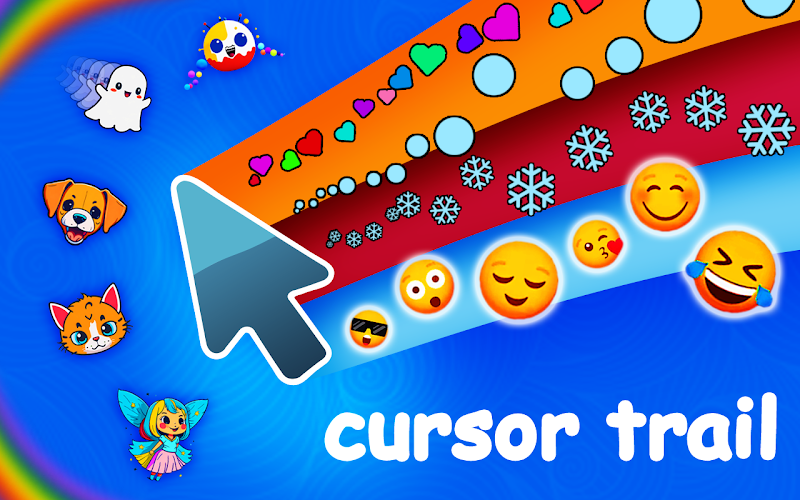
Leave a lasting impression - Cursor Trail paints your path in luminous strokes, marrying dynamic motion with elegant design for every movement.
View Product
Elevate your Chrome experience with Custom Cursor Pro: a premium suite of handcrafted cursors engineered for performance, style, and seamless integration.
View Product
Discover a versatile cursor toolkit - Custom Cursor App delivers an expansive library of high-resolution pointers that blend flawless aesthetics with lightning-fast performance.
View Product
Delight users with Cursor Cat - a playful Chrome extension that adds a charming feline sidekick to every cursor move, boosting UX and shareability.
View Product
Maximize productivity with Cursor Helper: a refined extension that not only customizes your pointer’s look but streamlines your daily workflow with intuitive options.
View Product
Transform your browser into a cosmic playground - Cursor Space introduces galaxy-inspired pointers that add immersive flair without sacrificing speed or usability.
View Product
Capture attention with Money Rain - a Chrome extension that showers your screen in dynamic money graphics, perfect for viral sharing and brand visibility.
View Product
Extend session lengths with BridgeMaster - a physics-driven arcade game where precision and timing unlock new levels of user engagement.
View Product
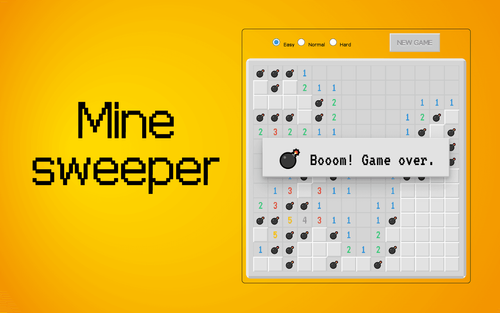
Revitalize a classic with Minesweeper for Chrome - an engaging logic puzzle that enhances site interaction and encourages multiple playthroughs.
View Product
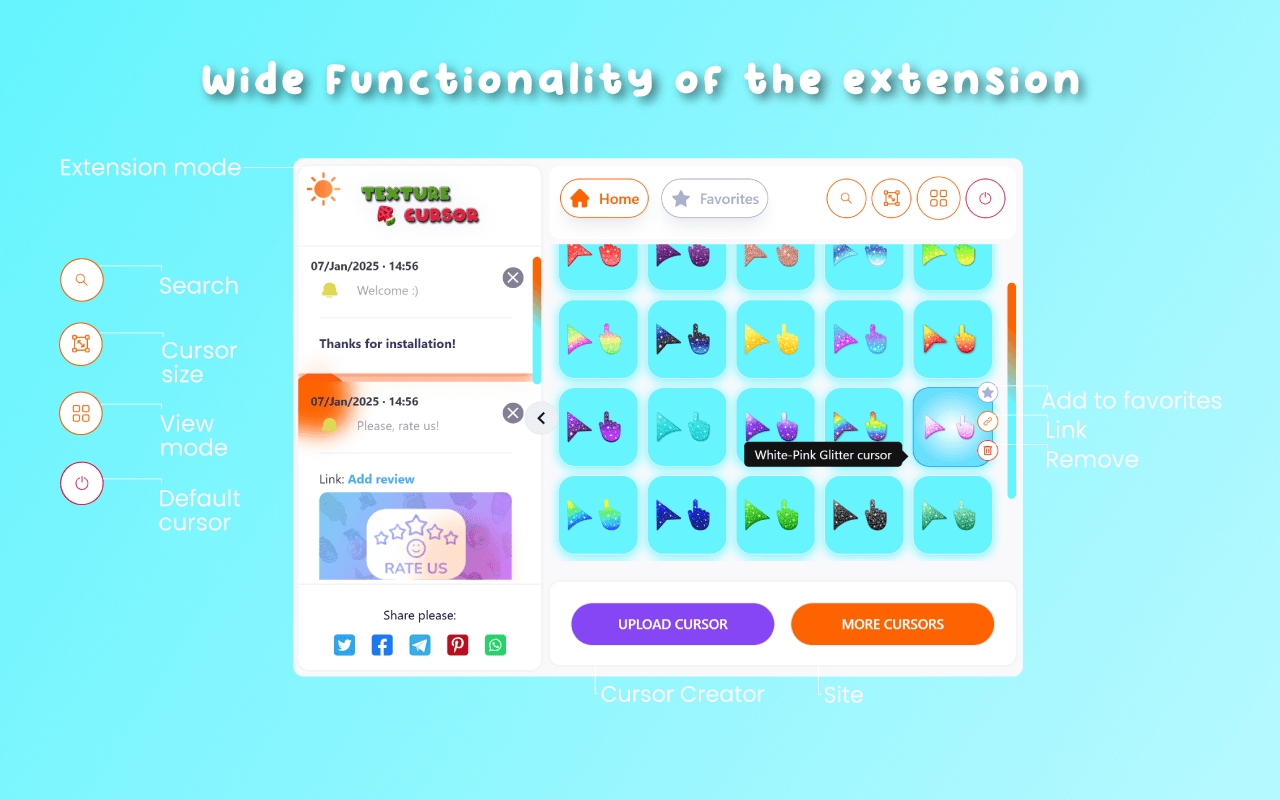
Experience tactile depth in the digital realm - Texture Cursors offers a curated set of lifelike pointer textures, elevating both clarity and creativity.
View Product
Drive repeat sessions with Catch the Cat - a fast-paced browser game that tests reflexes and strategic thinking in bite-sized play periods.
View Product
Engage millions in addictive baking fun - Cookie Clicker ramps up user retention with layered upgrades and strategic progression in an idle format.
View Product
Enrich each click with graceful motion - Cursor Trails offers a refined collection of animated effects to elevate both style and usability.
View Product
Boost engagement with PiggyBank Money Clicker - a browser idle game where every click yields virtual cash, driving session length and repeat visits.
View Product
Stand out with Custom Cursor Trail - a Chrome extension that traces your pointer in vivid effects to captivate visitors and boost brand recall.
View Product
Rediscover the classic pointer - Mouse Cursor redefines simplicity with a selection of minimalist, high-contrast cursors optimized for every task.
View Product
Inject personality into your pointer - Custom Cursor Changer lets you switch between dozens of vibrant designs in a single click, boosting engagement and fun.
View Product
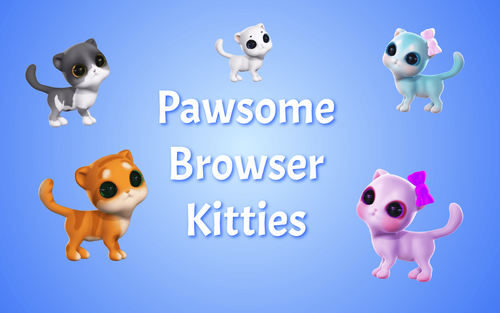
Increase dwell time with Pawsome Kitties - animated kitten avatars that follow your pointer, enhancing site stickiness and user delight.
View Product